Finding a stock's ticker symbol is the very important before you place a trade. Think of the ticker as the company's unique, short nickname on the stock exchange. Apple is AAPL, and Disney is DIS. You need this code to look up prices, check charts, and place your buy order.
While all brokers let you search by the company name, knowing where the ticker is located makes your trading faster and more efficient. Below, we provide simple, step-by-step instructions for finding the ticker on the most popular platforms.
Finding Tickers on Popular Broker Apps (Mobile-First)
The modern trading apps aim for speed. Finding the ticker symbol in these interfaces is usually quick and happens directly through the search bar.
1. Robinhood

Robinhood's design is very minimal, but the ticker is displayed prominently.
- Step 1: Open the App and Tap Search. Look for the magnifying glass icon or the Search bar at the bottom of the screen.
- Step 2: Type the Company Name. Enter a company name like "The Walt Disney Company."
- Step 3: See the Result. A result card for Disney will appear. The company's full name is shown on the top line, and the ticker symbol (DIS) is displayed right underneath it in large, bold letters.
2. Webull
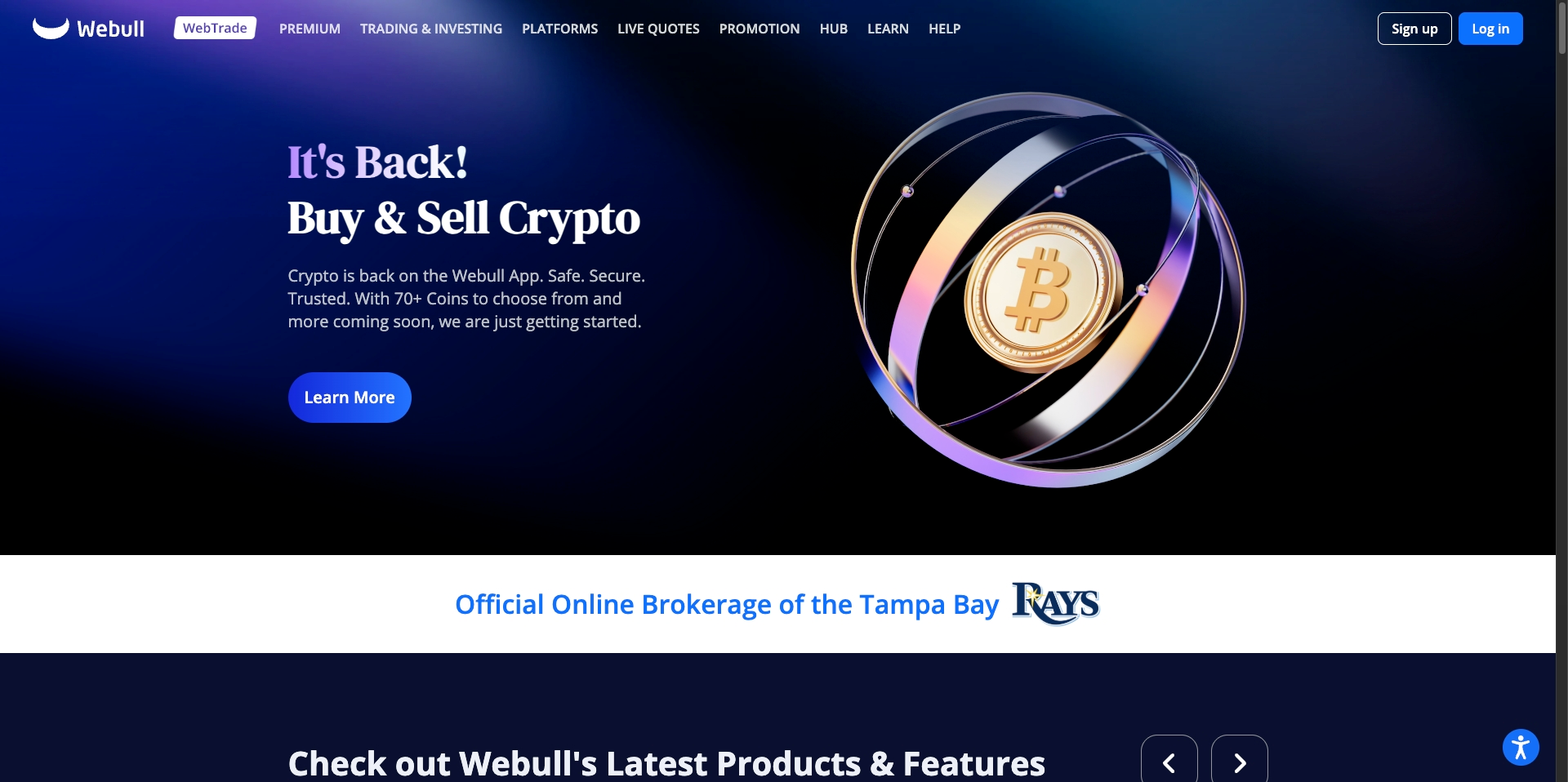
Webull is favored by active traders and puts the ticker front and center on the stock detail page.
- Step 1: Go to the "Markets" Tab. Find the Markets section, then use the search box at the top of the screen.
- Step 2: Search for the Company. Type in the full or partial company name.
- Step 3: Check the Stock Page Header. Tap on the correct result to open the full stock page. The ticker symbol is shown clearly as the main heading, with the full company name printed below it.
3. Public.com
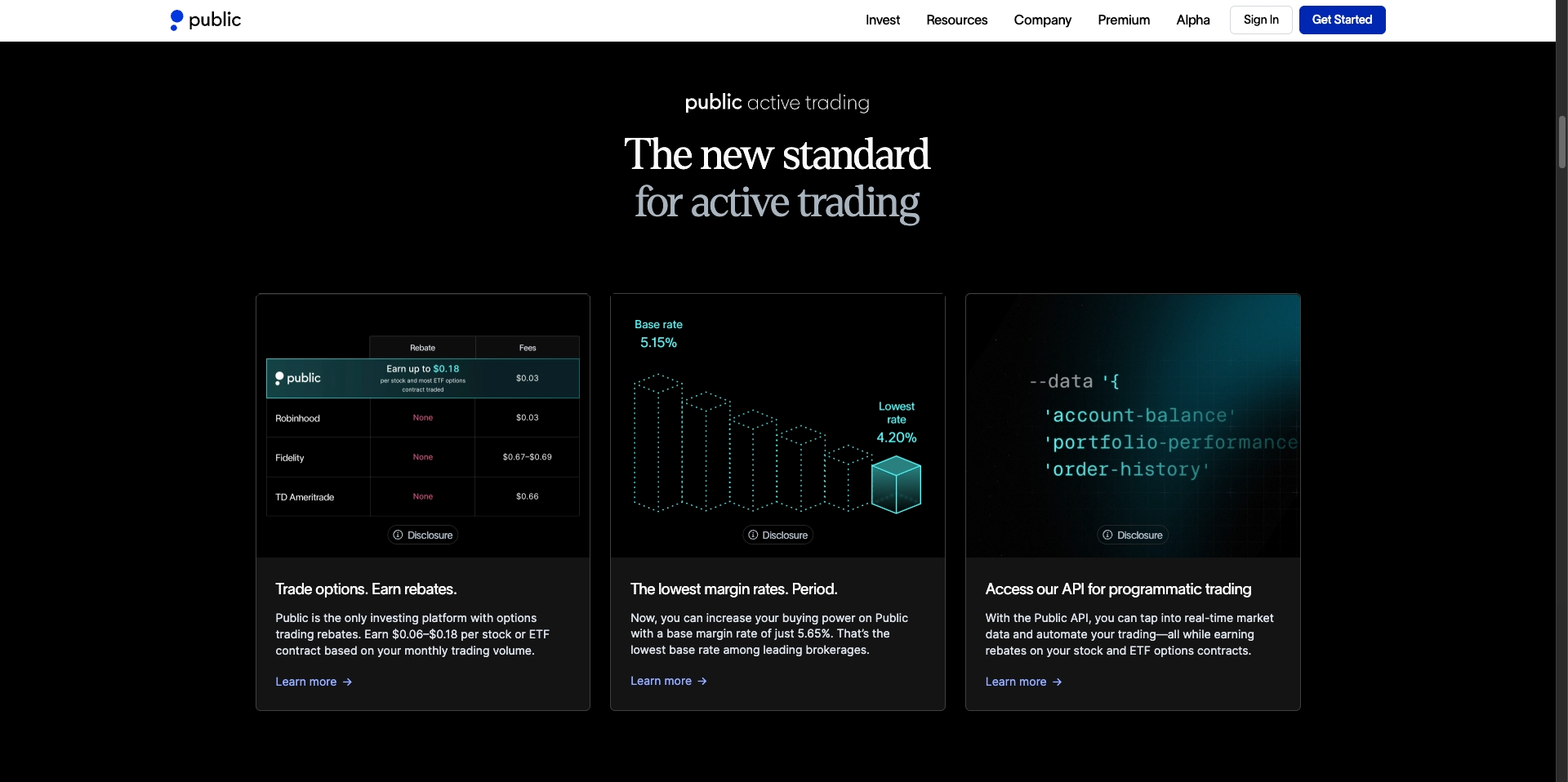
Public focuses on simplicity and its social feed, but the symbol is easy to spot.
- Step 1: Use the Search Icon. Tap the magnifying glass icon near the top of the feed screen.
- Step 2: Search by Name. Input the name of the stock you are looking for (e.g., "Meta Platforms").
- Step 3: View the Ticker. When the stock's profile loads, the ticker symbol (META) will be shown directly above the company name.
Finding Tickers on Major Legacy Platforms (Web & Desktop)
Full-service and long-term investing platforms offer more tools, but the ticker location is fixed and simple to memorize.
4. Fidelity (Web Browser)

Fidelity is known for its strong research tools, and the symbol is necessary for its quotes page.
- Step 1: Log In and Find the Search Bar. On the main page, find the search box labeled "Symbol or Keyword" usually at the top right.
- Step 2: Start Typing. Type the company name (e.g., "Exxon Mobil").
- Step 3: Use the Drop-down List. As you type, the system auto-fills a list of matching company names. The ticker symbol (XOM) is always shown in capital letters right beside the company name in the results. Click the symbol to go to the quote page.
5. Charles Schwab (StreetSmart Platforms)
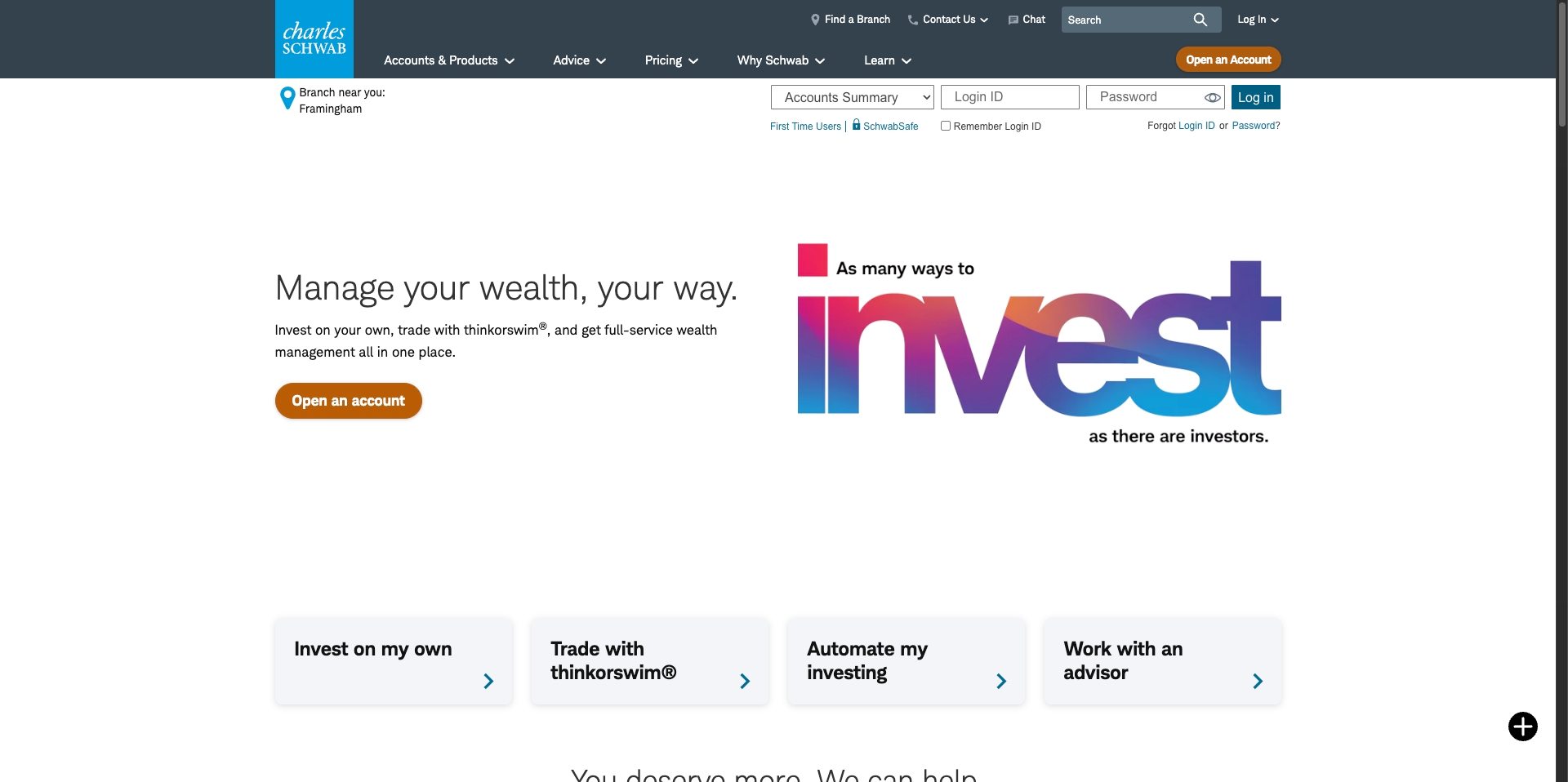
Schwab uses ticker symbols constantly across its trading dashboards.
- Step 1: Access the Quote Tool. Find the "Quote" box or search field on the top navigation bar.
- Step 2: Type the Name. Enter the company name ("Coca-Cola Co").
- Step 3: Confirm the Ticker. The company will appear in the result list. The ticker symbol (KO) is displayed clearly next to the name. On the actual quote page, the ticker is part of the main page title.
6. Vanguard (Web Browser)
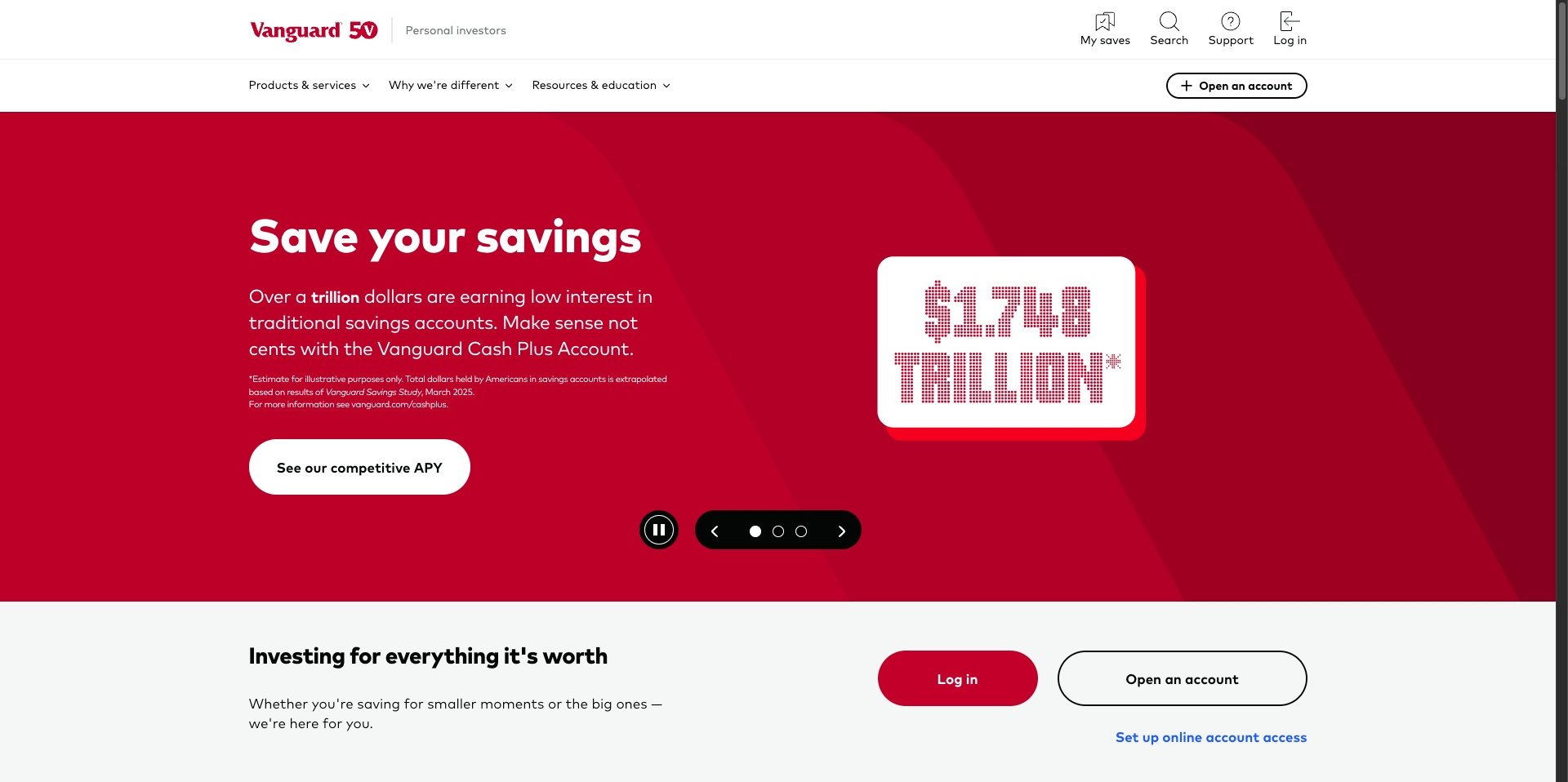
Vanguard's website is built for long-term investors, but the process is similar to other sites.
- Step 1: Use the Search Box. Look for the search box, typically in the top navigation area.
- Step 2: Input the Company Name. Type in the company name you are searching for.
- Step 3: Ticker is in the Quick Look-up. When the results load, the security's name will be listed with its four- or five-letter ticker symbol in all caps next to it.
What if I Only Know the Ticker?
Sometimes, you might hear a ticker symbol (like GOOGL or MSFT) but cannot recall the full company name. Finding the name is just as simple:
- Open the Broker's Search Tool: Use the main search bar on your broker's app or website.
- Type the Ticker: Input the ticker symbol directly.
- View the Results: The search tool will instantly show you the full name of the company that uses that specific ticker (e.g., MSFT is Microsoft Corporation).
The search function on every platform is designed to work in both directions, making it simple to find what you need whether you start with the full name or the ticker abbreviation.
Quick Tip: Why the Ticker Matters
You're probably wondering why you can't just type the full company name every time. The reason is simple: accuracy.
- Multiple companies can have similar names (e.g., "American Airlines" vs. "American Electric Power"). Ticker symbols are unique and remove any chance of confusion.
- Tickers are much faster for active traders, especially when using complex tools like advanced charting software or order entry forms.
Sticking to the ticker symbol guarantees you are viewing and trading the security you intend to buy.